
B.Beat

1.319,55  - 1.604,55 

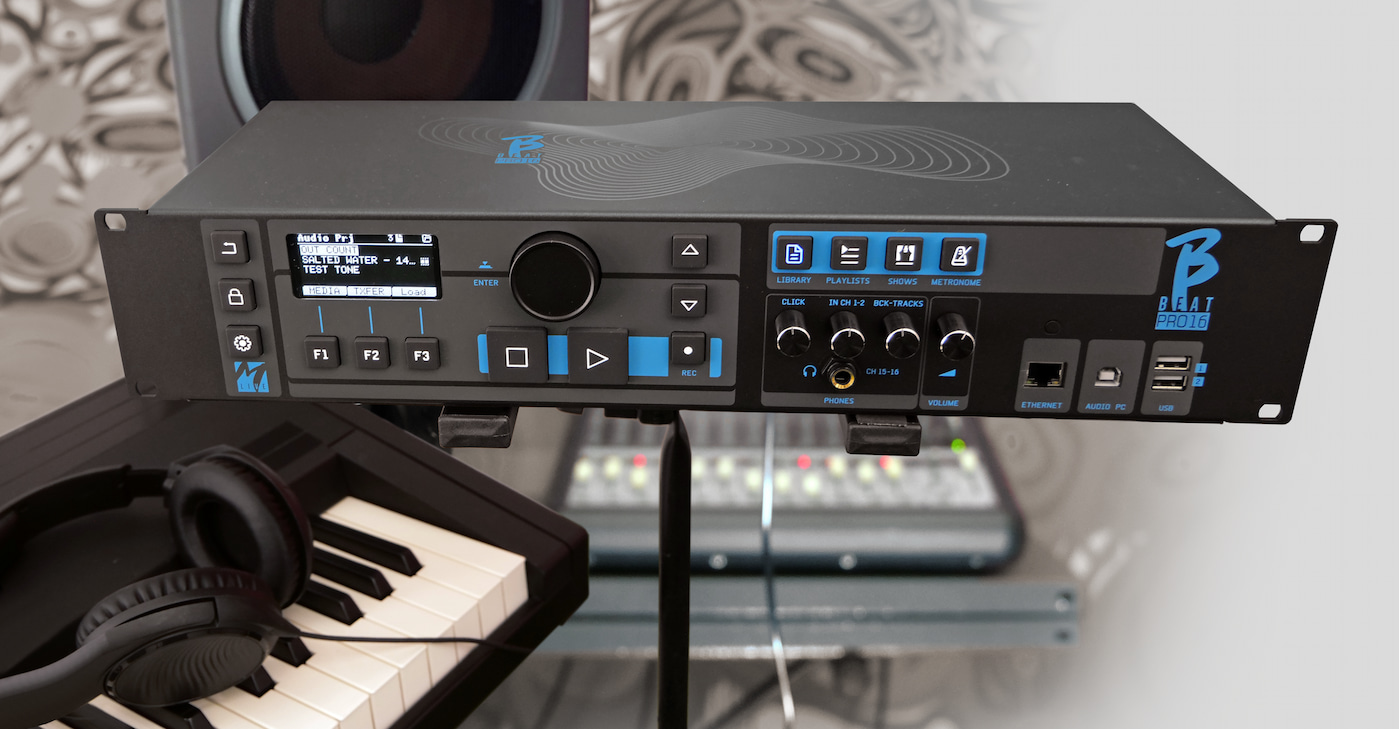
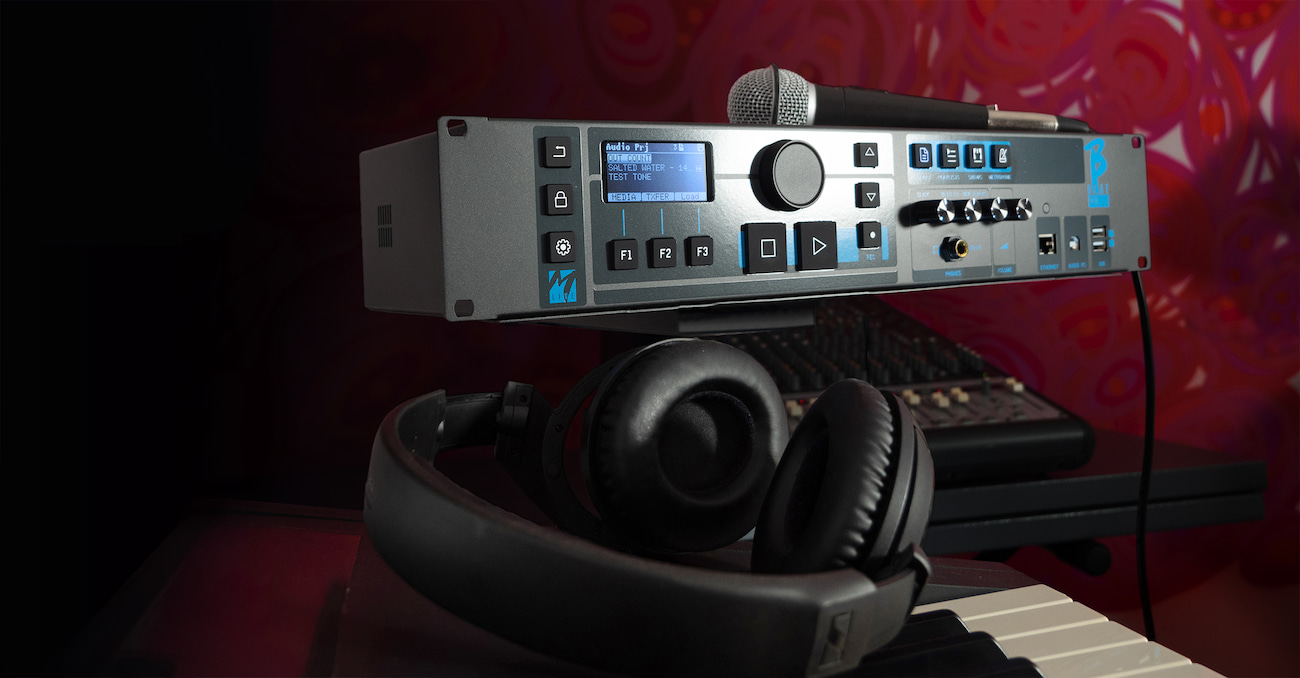
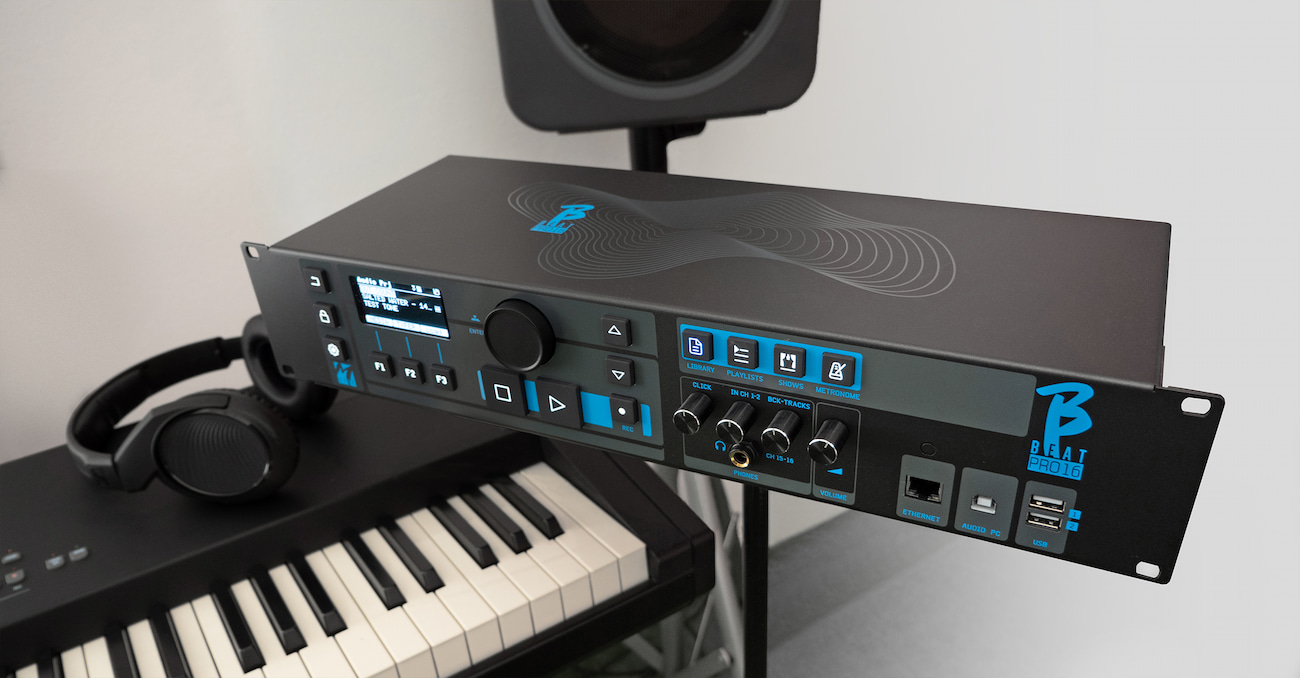
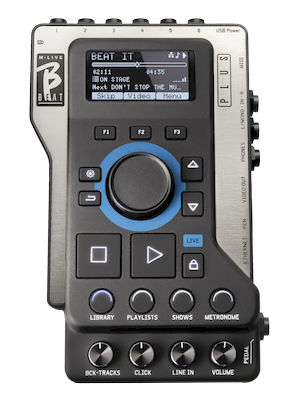
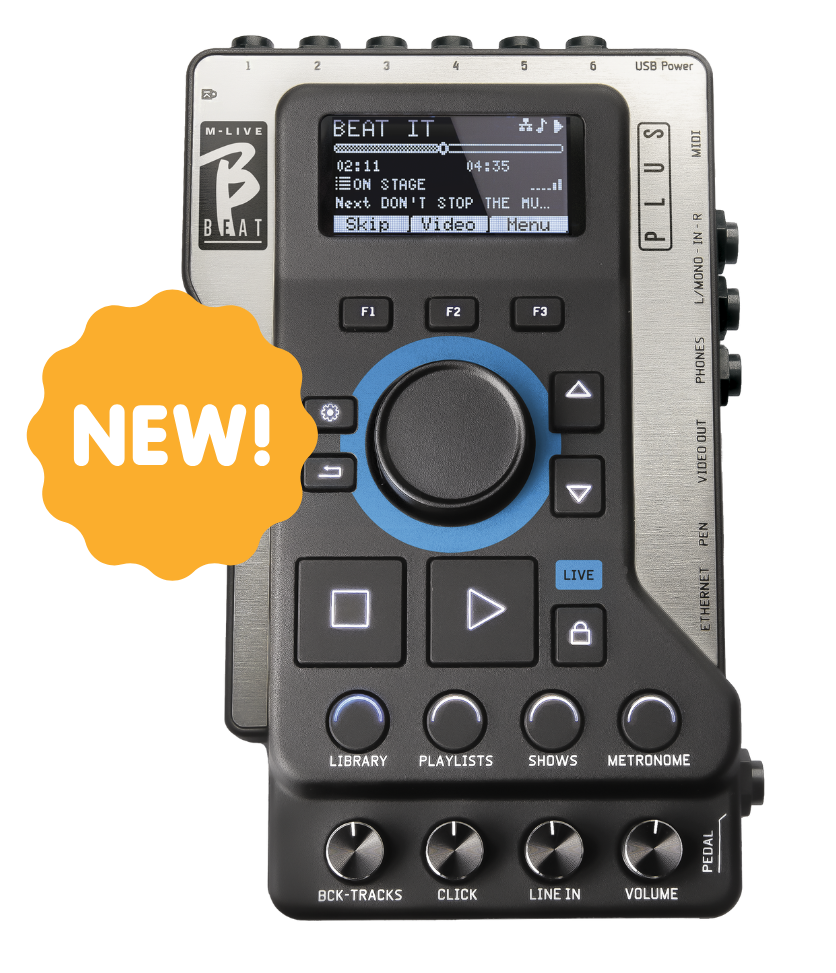
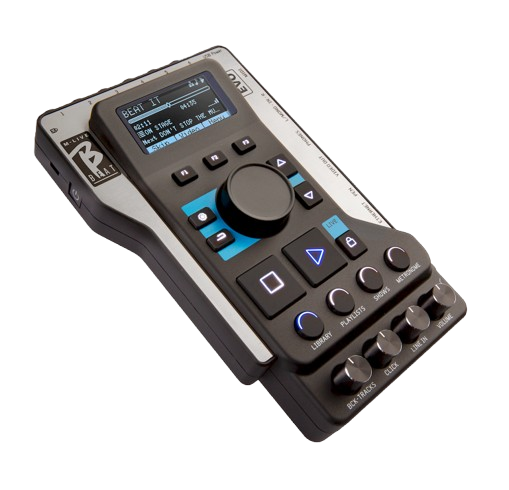
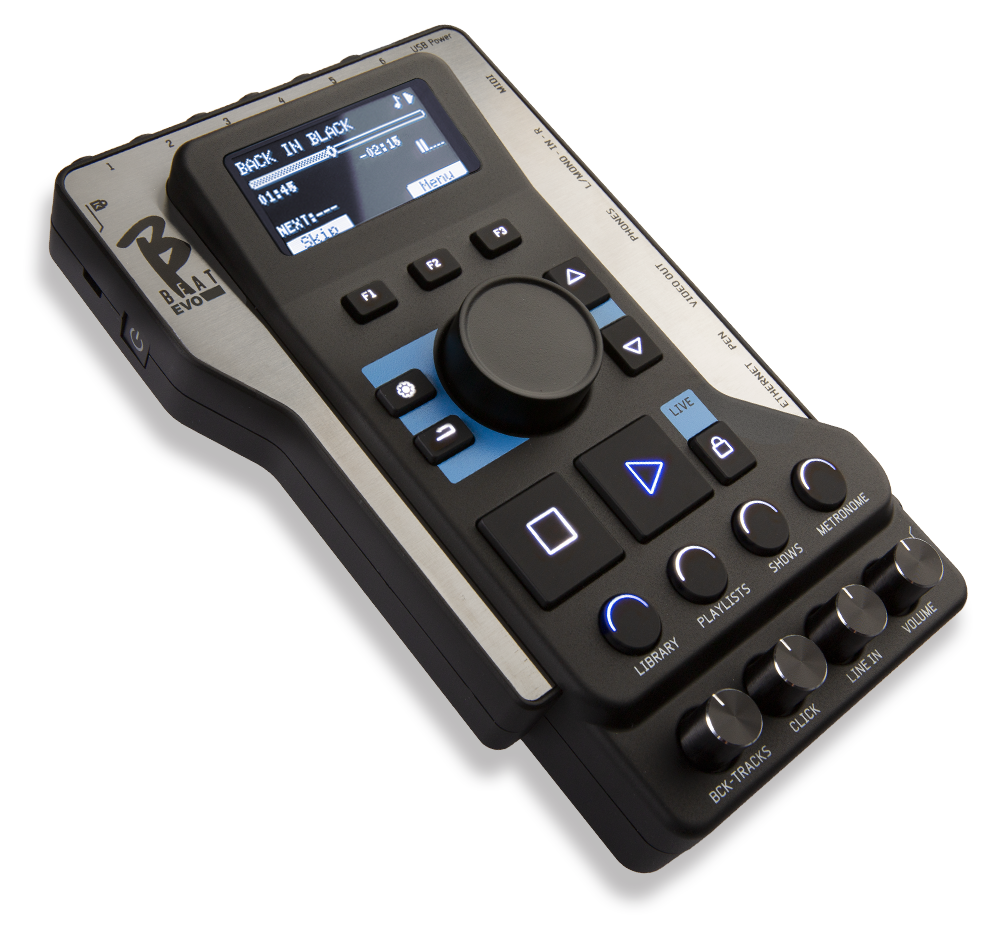
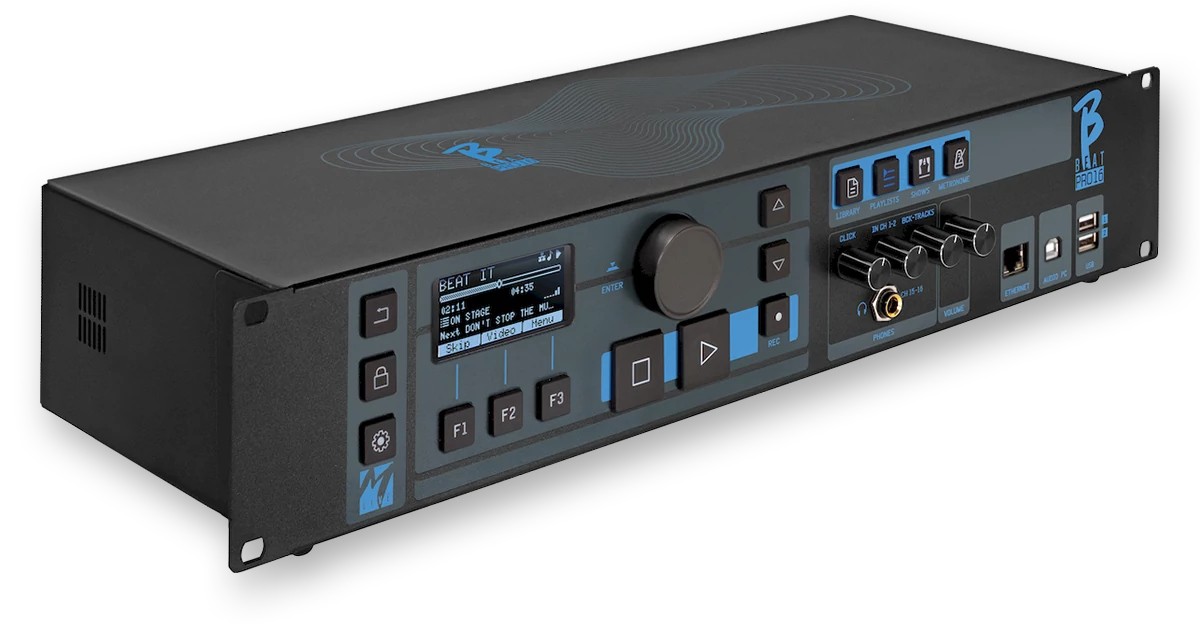
B.Beat is ideal for live performances with stereo sequences or up to 24 tracks, including video, text, and images.

COD: N/A Category: Tags:

Description

B.Beat

The beat master

1.319,55  - 1.604,55 

B.Beat is ideal for live performances with stereo sequences or up to 24 tracks, including video, text, and images.

B.Beat is ideal for live performances with stereo sequences or up to 24 tracks, including video, text, and images.

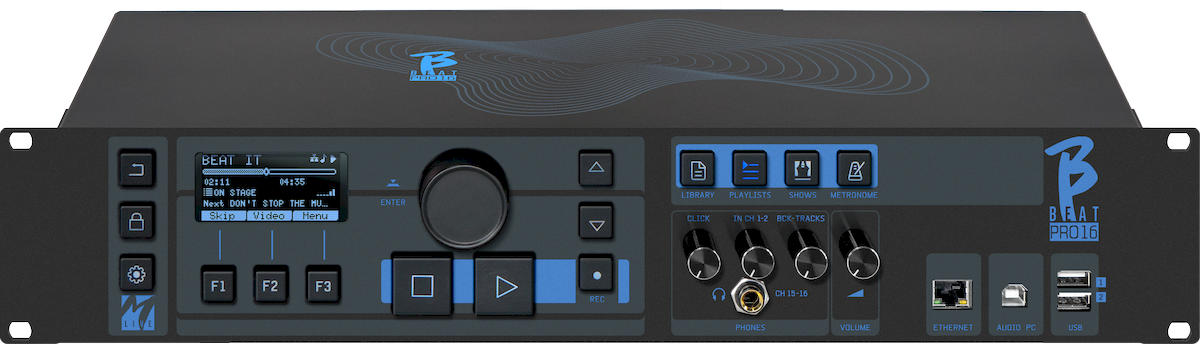
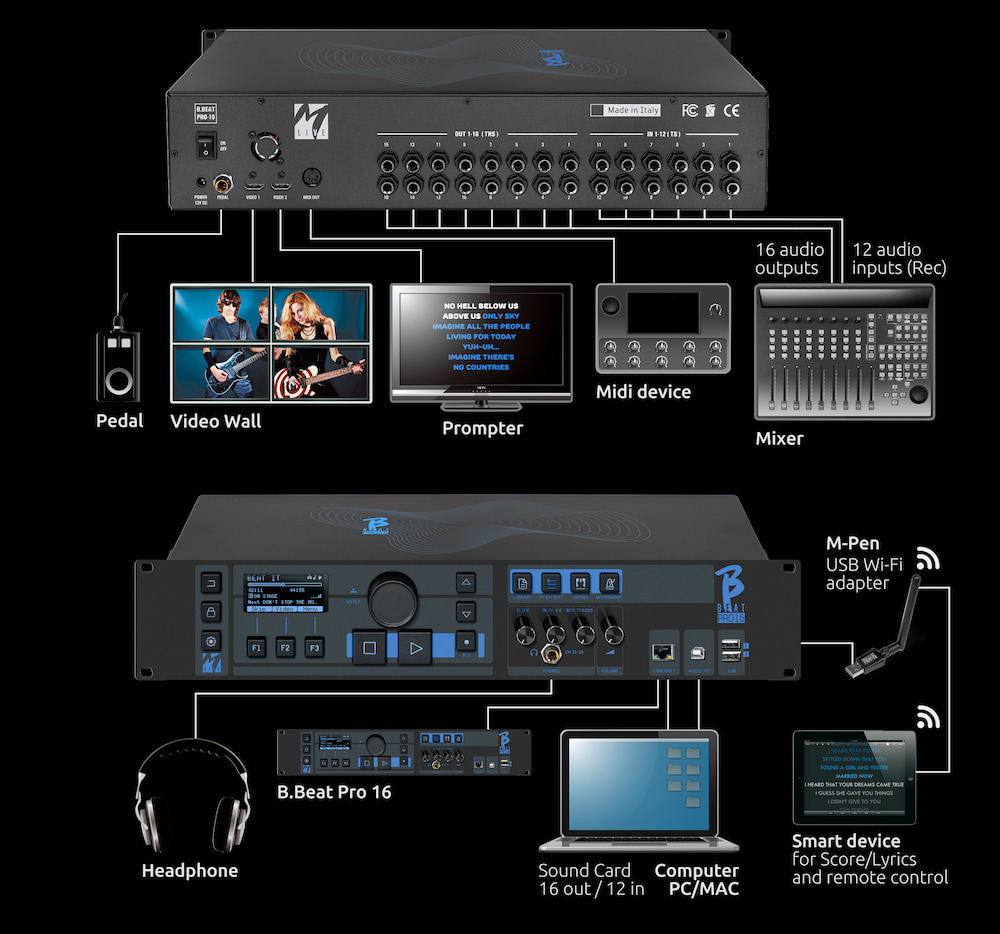
B.BEAT and plays music files in WAV, Multitrack Audio, Stems, Midi, Mp4 Video, Mov, and JPG formats. You can use Backing Tracks with up to 24 Mono tracks or 12 Stereo tracks, and record up to 12 channels. B.BEAT can store a large number of Backing Tracks. It has two HDMI outputs to transmit videos synchronized with the music and lyrics for the prompter on stage. You can upload sheet music and view it on Smart Devices connected via Wi-Fi. B.Beat has a digital mixer to adjust the 24 audio tracks, 16 separate outputs, click, and headphone management. Remote control via App via Wi-Fi or cable, Midi Clock send.

B.Beat – Presentation

Internal memory from 128 GB to 1 TB (see PLUS)

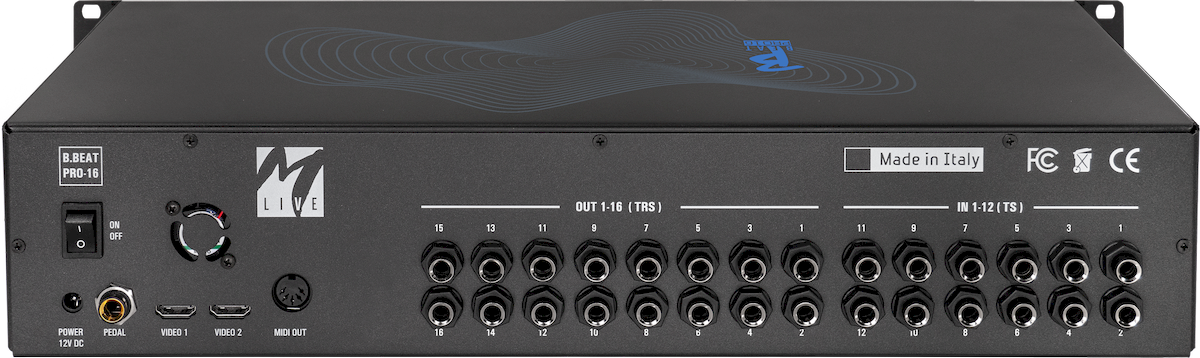
16 Separate outputs / 12 inputs

Sound Card (Win iOS) 12 in / 16 out

Click and metronome management

Prompter app for lyrics and sheet music

DIGITAL MIXER.

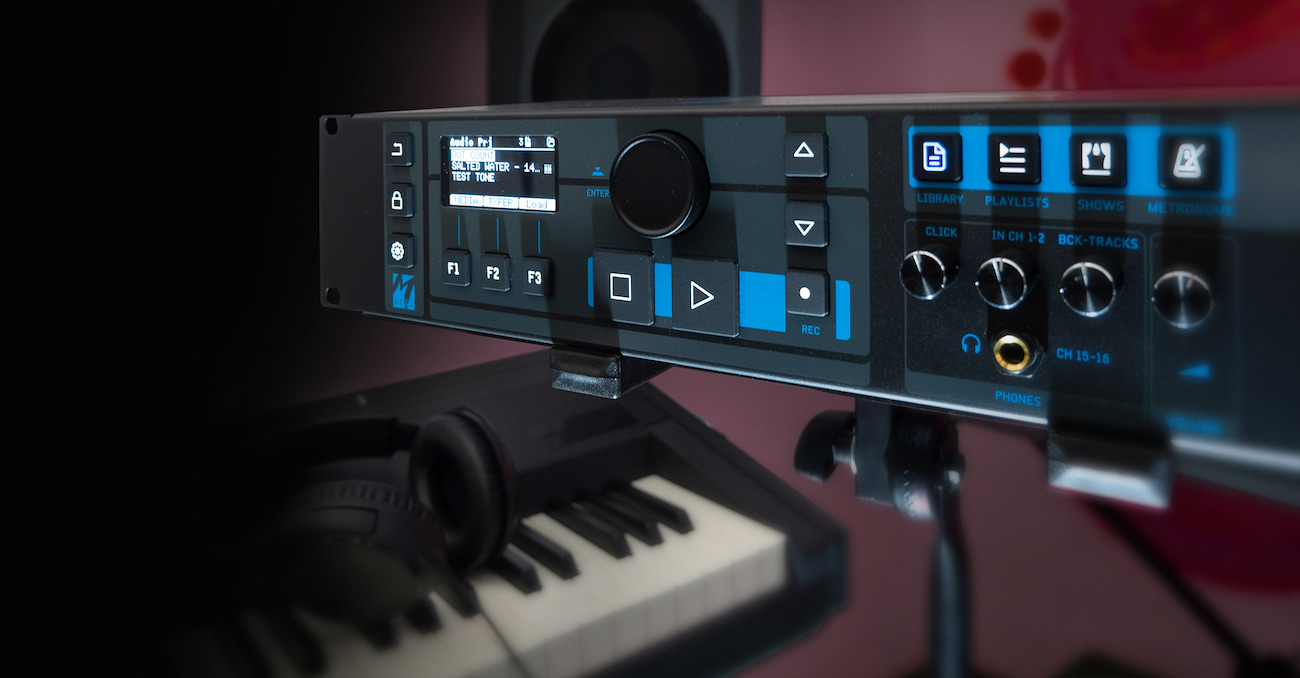
B.BEAT a digital mixer to manage 24 tracks on 16 separate outputs, 12 inputs, a headphone output for the click track, return from the mixer, and backing tracks. With the 16 outputs, you can send the tracks that make up the backing tracks to the stage mixer.Beat stereo or mono audio signal can be fed into B.Beat from any source via the 12 available inputs. B.Beat alsoBeat the click track and can route it to any of the 16 available outputs and simultaneously to the headphone output. When the headphone output is activated with 4 convenient potentiometers, the musician can balance in real time what they want to hear in their headphones during the performance.
*When the headphone output is activated, it uses two audio channels, so there are 14 outputs available.

Sound Card

In addition, B.Beat includes a real 16-output and 12-input audio card, compatible with Windows and iOS. Thanks to this card, you can use a digitally connected PC together with B.Beat, channeling the outputs of the various B.Beat tracksBeat as you would in a DAW. This feature is very useful during sound checks and in the rehearsal room, before transferring the backing tracks directly to B.Beat.

Sound Card

B.Beat is also a 12-channel digital recorder. Up to 12 recorded tracks can be automatically inserted into audio projects. In the PLUS version, recording can also take place while B.Beat is playing a backing track. At the end of the recording, you can decide whether to insert the new tracks into the existing backing track.

B.Beat on stage

B.Beat been designed to offer maximum reliability during LIVE performances. There is a special button on the [LIVE] panel that can be used when the show starts, because from that moment on, the B.Beat processorBeat busy ensuring maximum performance without wasting resources. This minimizes the risk of accidental crashes and protects the user from operating errors.
B.Beat has a Synch system for use in conjunction with Auto Switch systems that prevent shutdown in the event of a crash.

B.Beat includes built-in wireless connectivity. You can connect B.Beat wirelesslyBeat your devices, such as smartphones and tablets.

Two video outputs

B.Beat has two HDMI video outputs, because on stage it is often necessary to have a video wall accompanying the musical performances, while at the same time displaying the lyrics in the Prompter version. Song lyrics can be written and synchronized very easily using the B.Beat program. The same can be done with sheet music, which can be uploaded as PDF files, and a dedicated score can be provided for each instrument on stage. The score can be viewed on a smart device via Wi-Fi.

Organizing performance

B.Beat manages individual backing tracks that can be organized into convenient playlists or into actual shows composed of multiple scenes of various types. Projects can contain music, videos, and images, as well as MIDI tracks for sending messages to the various devices used for live performances. The philosophy behind B.Beat to simplify the management of backing tracks and videos during a show. With B.Beat , there isBeat need to bring computers, tablets, sound and video cards, cables, or mixers on stage.

Prepare B.Beat Show

Create your backing tracks with your DAW, and once you've finished working in the recording studio, you're ready to transfer the music to B.Beat . To do this, there's an app called B.Beat that runs on Windows and Mac PCs. With Manager, you can assign outputs to the various tracks and complete the editing by adjusting the volumes as you like. If you have synchronized the videos to the music, you can upload everything to B.Beat.

Metronome and Click

B.Beat a dedicated Metronome section. You can manage a metronome very easily and directly on stage. The metronome's audio click can be output to one of the 16 outputs, and simultaneously to the headphone output, if it has been set. The same thing happens with the click when it is recorded on the Backing Tracks. When the click track is present in the multitrack Backing Tracks, it is recognized and sent to a separate output and to the headphones.

E.BEAT B.BEAT

Emulate and modify all B.Beat functions tomanage backing tracks connecting B.Beat computer.

E.Beat software that allows you to 'emulate' a B.Beat PC or Mac. With E.Beat, you canwork on your repertoire of backing tracks without connecting to B.Beat:
You can prepare all your music at home or while touring with your band.

Once you have finished editing on the PC via E.Beat, simply download everything to a USB stick, which will then be used to 'update' the physical machine.

TECHNICAL DATA SHEET.

Internal Audio File Format PCM (uncompressed) 48 kHz 24 bit
Compatible Audio formats being imported (which will be converted to the internal format) ● WAV 44.1 kHz, 48 kHz, 96 kHz 16/24 bit
● MP3 fixed bit rate [64 - 320] kbps
● MP3 VBR
● OGG fixed bit rate [64 - 320] kbps
● AAC
● STEMS
● MTA M-Live
Internal Video Format H-264 HD / Full HD (1280 x 720 / 1920 x 1080)
Compatible Video Formats When Importing ● MP4
● MOV
Compatible Image Formats JPG, PNG
Video resolution for text 1280 x 720
Digital Processing Internal Audio Outputs 16-channel D/A 24 Bit Sigma/Delta 48 kHz.
Typical S/N ratio = 112 dB
Input ● 12 Line Jack 6.35 mm mono inputs, unbalanced
● Impedance 10 kΩ
● Range 18dBu, 6 Vrms
● THD+N typical -93 dB
● SNR typical 107 dB
Digital processing Internal audio inputs 12-channel D/A 24 Bit Sigma/Delta 48 kHz.
Typical S/N ratio = 112 dB
Output ● 16 Audio Outputs Jack 6.35 mm mono, balanced
● Range 10dBu, 2.5 Vrms
● 20dBu range, 5 Vrms (balanced)
● THD+N typical -94 dB
● SNR typical 112 dB
Display 2.4" OLED, 128x64, Monochrome
Jack Headphone Output ● Stereo Jack 6.35 mm output
● Typical SNR 105 dB
● Range 6dBu, 1.5 Vrms
Internal memory 128GB, 1TB PLUS version
Network interface RJ45 10/100/1000 Mbps Ethernet jack - Built-in wireless connection
MIDI port MIDI OUT DIN 5-pin standard
MIDI IN via USB-MIDI cable (optional)
Pedal Switch Pedal N/O or N/C, Jack 6.35mm
Power supply 12VDC, 2A, max consumption 19W
Video 2x TV OUTPUT Type A
Maximum resolution 1920x1080 with video
USB ports 2x USB 2.0 Hi-Speed Type A for Memory Stick,
WiFi USB interface. Max total current delivered for the two ports: 500mA
External power unit AC/DC Adapter Mod. 13/90288-00 INPUT 100-240VAC Freq 50-60Hz OUTPUT 12VDC - 2A

SOFTWARE AND MANUALS

B.BEAT SOFTWARE

TheB.Beat managersoftware is available in two versions for two operating systems:Windows 10 and later – macOS 13 Ventura andlater. Full compatibility is not guaranteed on earlier systems.

Click HERE to download B.BEAT FOR WINDOWS

Click HERE to download B.BEAT FOR MAC

USER MANUAL.

The B.BEAT user manualBEAT also available online in PDF format.

You can download it by clicking HERE and view it conveniently online. 

B.Beat Menu Buttons Tutorial

B.Beat Tutorial on Connecting and Using the Prompter

Discover B.Beat

B.Beat – Version 4.0 Update

B.Beat – Version 3.0

B.Beat – Sheet Music

B.Beat – Metronome and System

B.Beat – Show Management

B.Beat – Click detection and playlists

B.Beat – Repertoire Transfer

B.Beat – Connecting to a PC

B.Beat

B.Beat Tutorial

B.Beat 16 – REC Function Tutorial

RELATED PRODUCTS

Additional information

Weight N/A
Dimensions N/A
Version

128 Gb, 1 Tb