
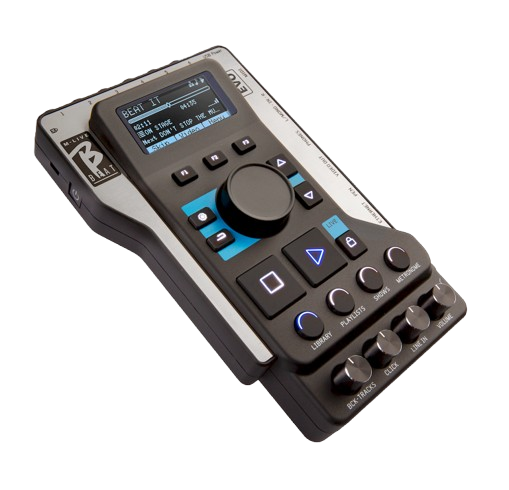
B.Beat

749,55  - 820,80 

COD: N/A Category: Tags:

Description

B.Beat

Let it beat!

749,55  - 820,80 

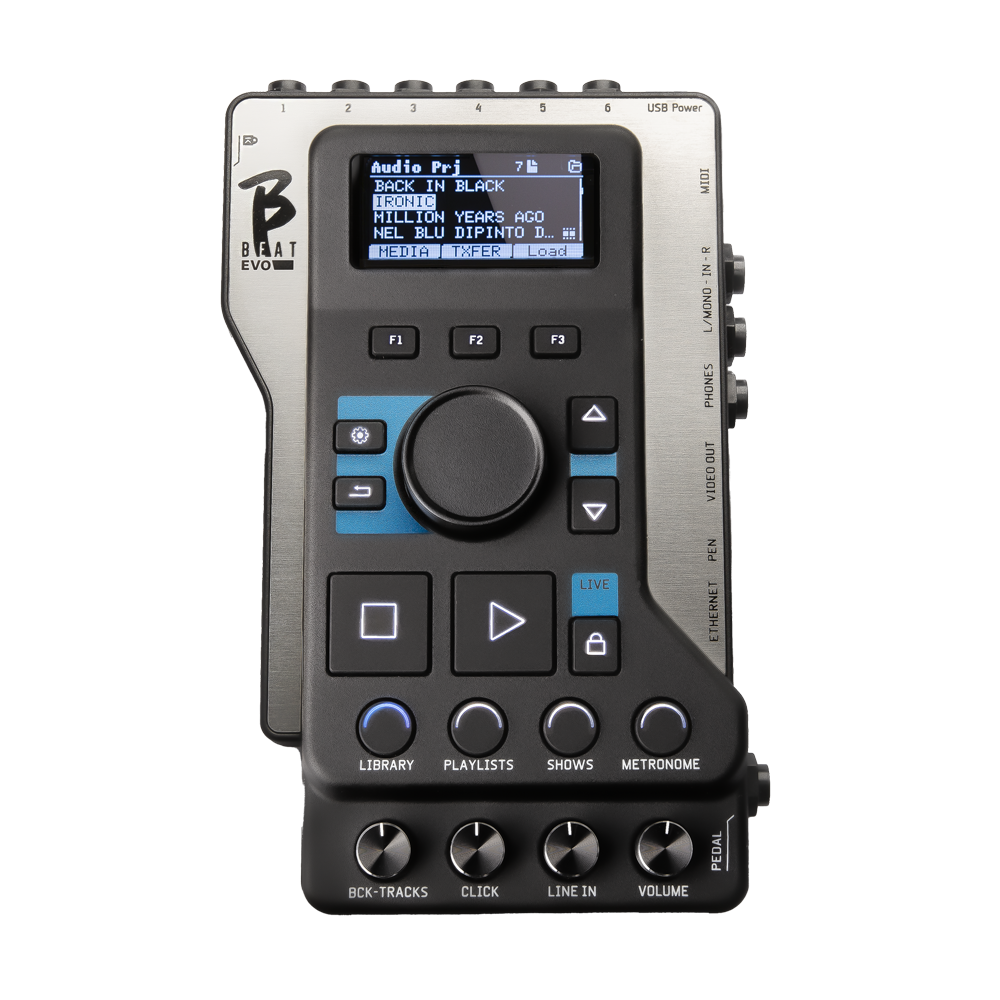
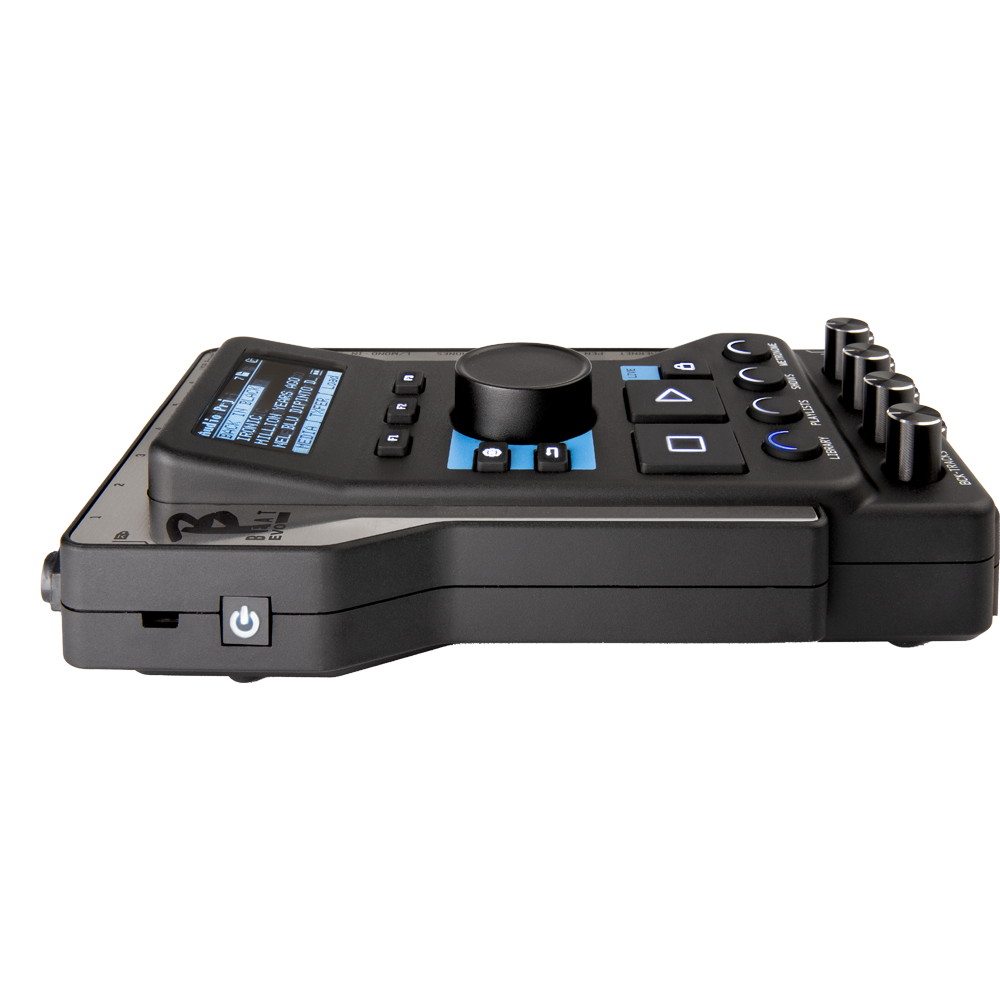
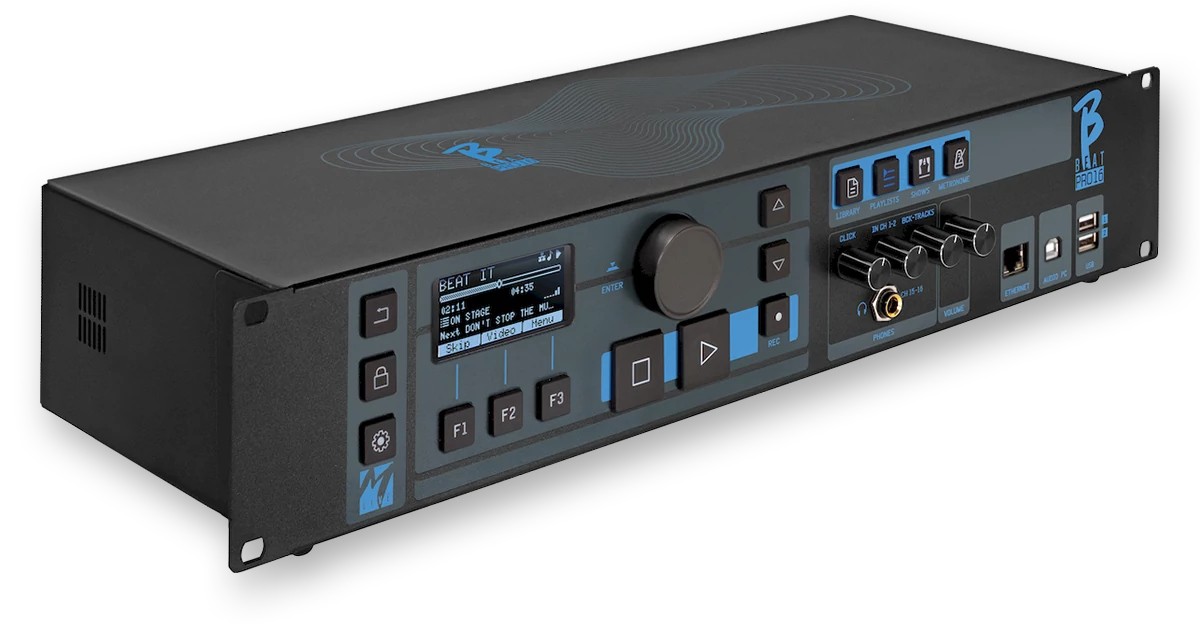
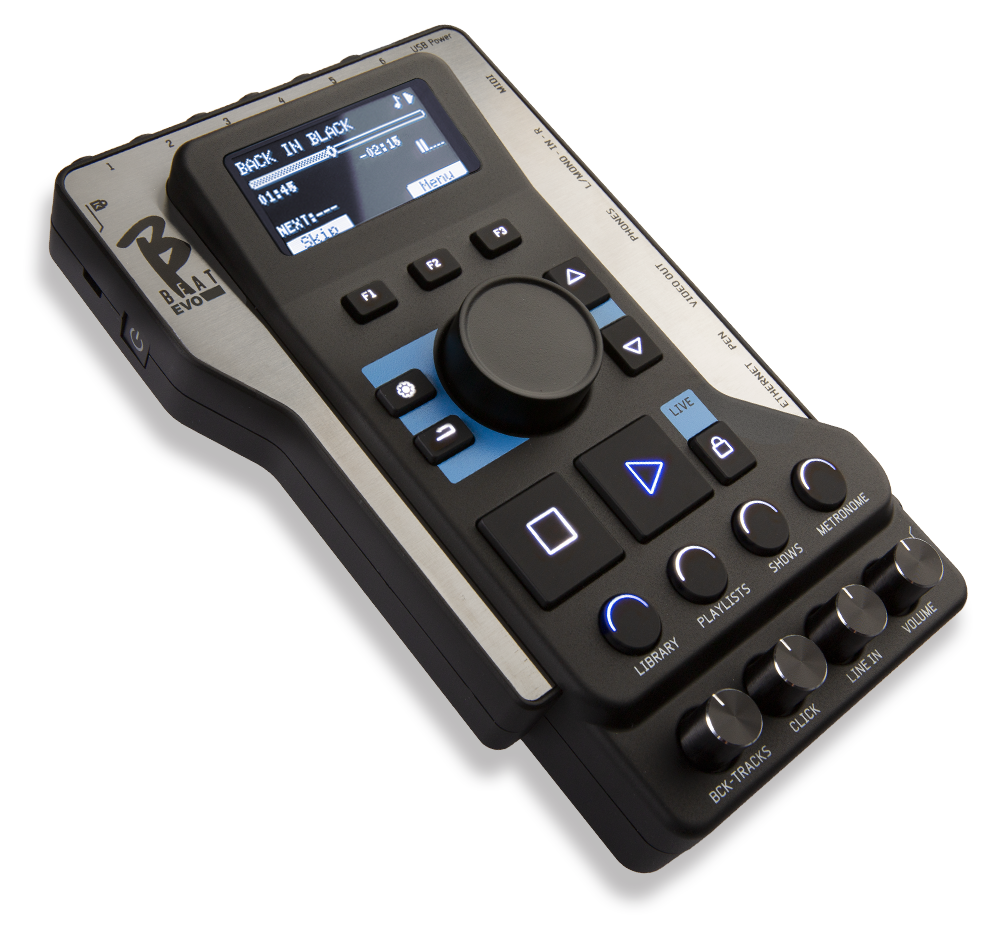
B.Beat backing tracks even in Synch Video, has a built-in mixer, and manages playlists and shows.

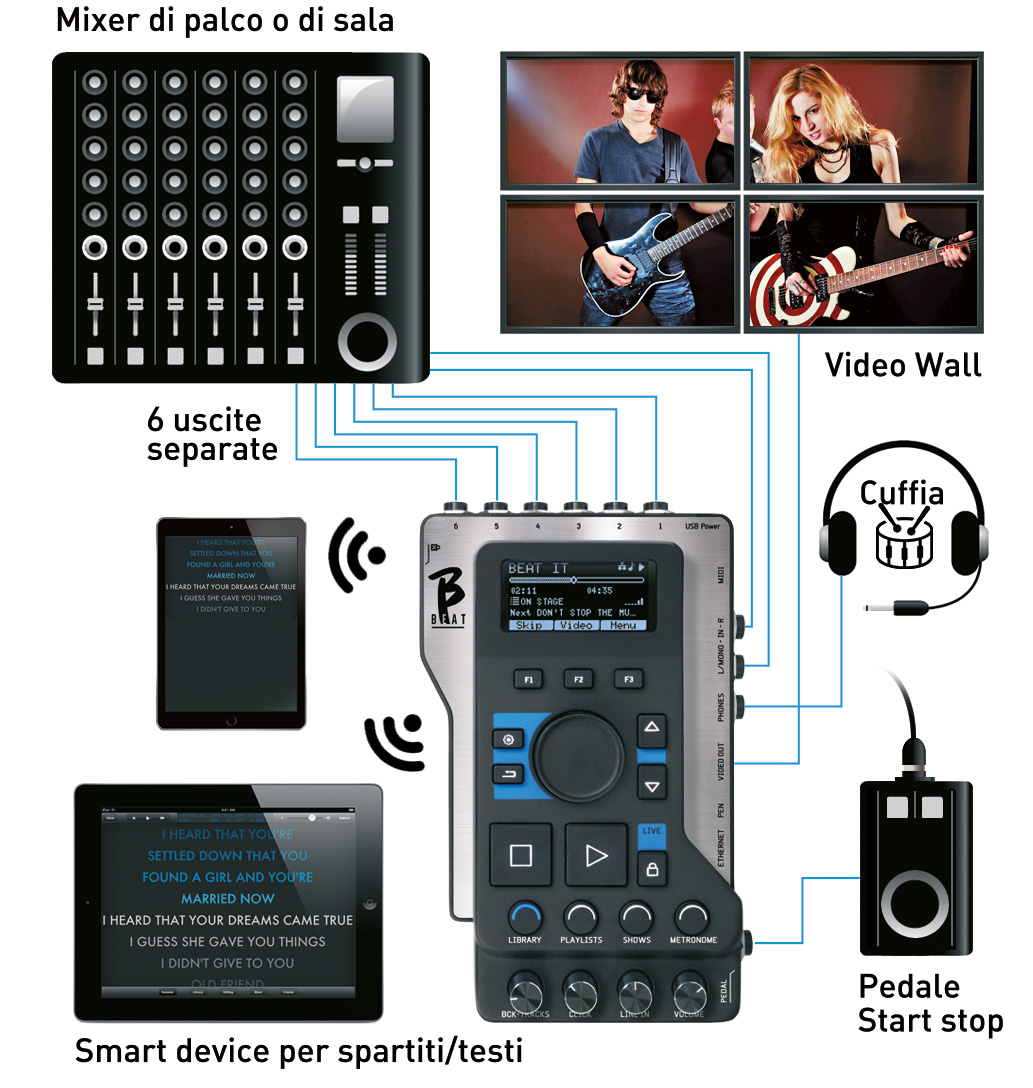
B.BEAT reads and plays music files in WAV, Multitrack Audio, Stems, Midi, Mp4 Video, Mov, and JPG formats. You can use Backing Tracks ranging from Mp3 files to actual multitrack audio projects from DAWs, up to 16 Mono tracks or 8 Stereo tracks. B.BEAT store a large number of Backing Tracks. Backing tracks can be synchronized to a video (or images) that will be transmitted to a video wall from the TV OUTPUT. It has a mixer to adjust the various audio tracks, the 6 separate outputs, and the channels that go to the headphones, such as the click track.

B.BEAT let it beat!

Internal memory from 32 Gb to 128 Gb

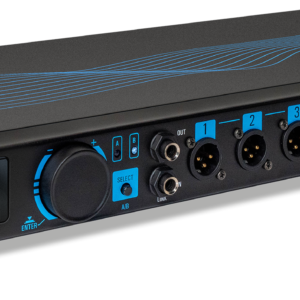
6 Separate outputs

Click and metronome management

MTA 8-track compatible

Prompter app for lyrics and sheet music

Integrated Digital Mixer

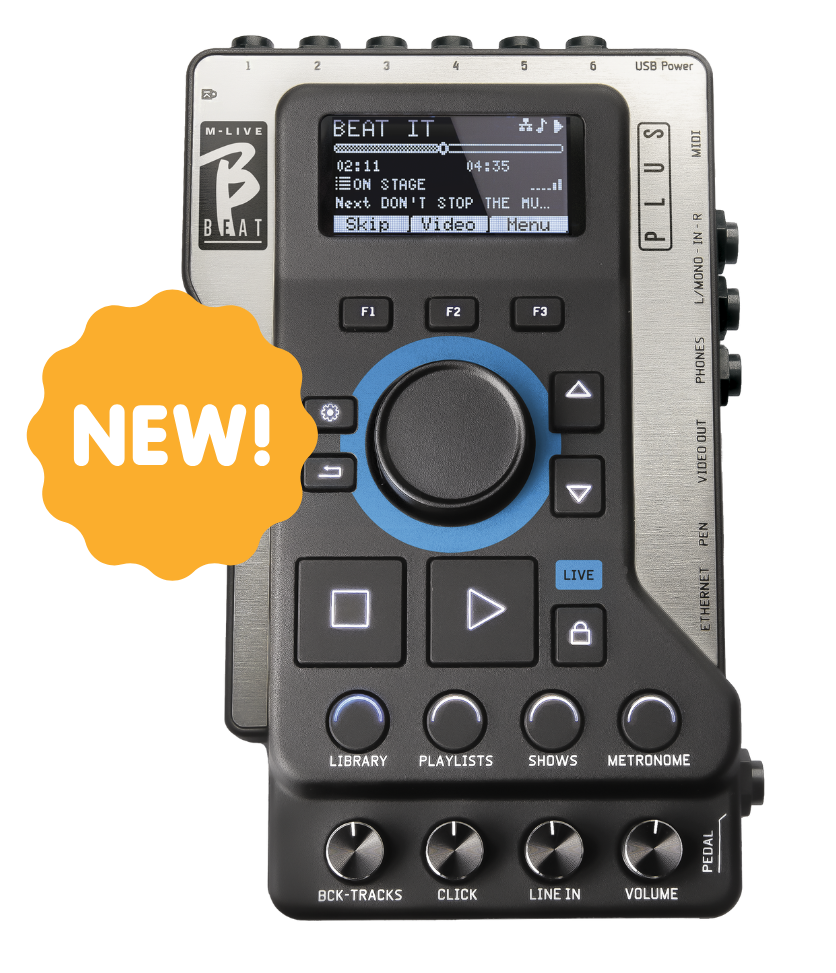
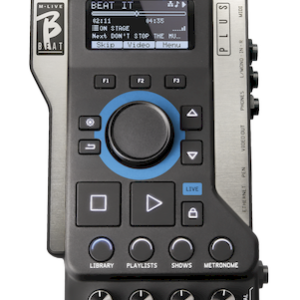
B.BEAT a digital mixer to manage 6 separate outputs, two inputs, a headphone output for the click track, the return from the mixer, and the backing tracks;
with 4 convenient potentiometers, the musician can balance in real time what they want to hear in their headphones during the performance.
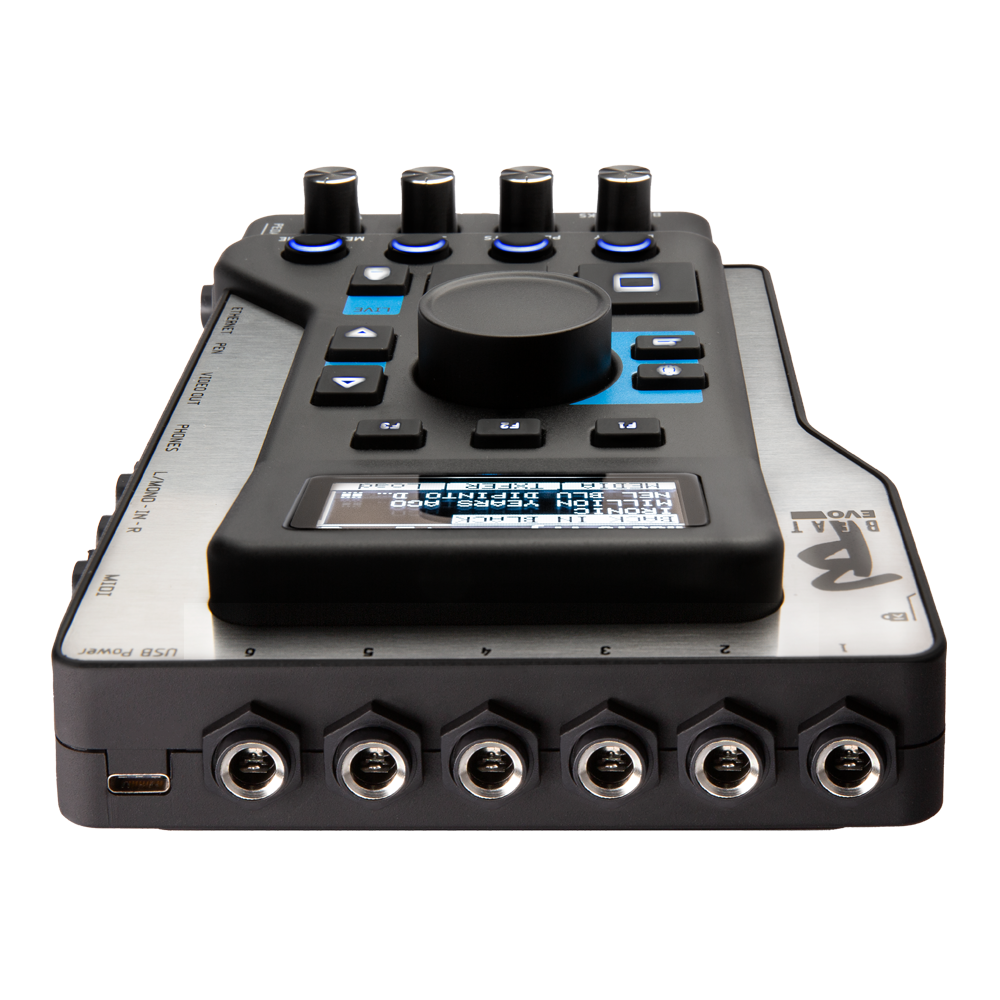
With the 6 outputs, you can send the tracks that make up the backing tracks to the stage mixer.
A stereo or mono audio signal can be fed into B.Beat from any source via the two inputs. B.Beat also recognizes the click track and can route it to any of the 6 available outputs and simultaneously to the headphone output.

B.Beat on stage

B.Beat has been designed to offer maximum reliability during LIVE performances .
There is a dedicated button on the [LIVE] panel that can be used when the show starts, because from that moment on, the B.Beat processor Beat busy ensuring maximum performance without wasting resources.
This minimizes the risk of accidental crashes and prevents the user from activating functions by mistake.

B.Beat includes built-in wireless connectivity. You can connect B.Beat wirelesslyBeat your devices, such as smartphones and tablets.

Organizing performance

B.Beat manages individual backing tracks that can be organized into convenient playlists or into actual shows composed of multiple scenes of various types.
Projects can contain music, videos, and images, as well as MIDI tracks for sending messages to the various devices used for live performances.
The philosophy behind B.Beat is to simplify the management of backing tracks and videos during a show.
With B.Beat, there is no need to bring computers, tablets, sound and video cards, cables, or mixers on stage: B.Beat the problem in just a few square centimeters and 600 grams of weight.

Prepare B.Beat Show

Create your own backing tracks with your DAW, and once you've finished working in the recording studio ,you're ready to transfer your music to B.Beat. To do this, there's an app called B.Beat Manager that runs on Windows and Mac PCs. With Manager, you can assign outputs to the various tracks and complete the editing by adjusting the volumes as you like. If you have synchronized a video to the music, you can upload it to B.Beat and manage it together with the backing tracks, or you can manage videos and images independently of the music.

Using B.Beat a USB flash drive

If you have MP3 backing tracks that you want to upload to B.Beat without using a PC, you can use a USB flash drive to quickly transfer the files to the internal memory, or you can play them directly from the flash drive.

Metronome and Click

Create your own backing tracks with your DAW, and once you've finished working in the recording studio ,you're ready to transfer your music to B.Beat. To do this, there's an app called B.Beat Manager that runs on Windows and Mac PCs. With Manager, you can assign outputs to the various tracks and complete the editing by adjusting the volumes as you like. If you have synchronized a video to the music, you can upload it to B.Beat and manage it together with the backing tracks, or you can manage videos and images independently of the music.

E.BEAT B.BEAT

Emulate and modify all B.Beat functions tomanage backing tracks connecting B.Beat your computer.

E.Beat software that allows you to 'emulate' a B.Beat PC or Mac. With E.Beat, you canwork on your Backing Tracks repertoire without connecting to B.Beat: you can prepare all your music at home or while touring with your band.

Once you have finished editing on the PC via E.Beat, simply download everything to a USB stick, which will then be used to 'update' the physical machine.

TECHNICAL DATA SHEET.

Compatible Audio formats when importing
(which will be converted to the internal format )
● WAV 44.1 kHz, 48 kHz, 96 kHz 16/24 bit
● MP3 fixed bit rate [64 - 320] kbps
● MP3 VBR
● OGG fixed bit rate [64 - 320] kbps
● AAC
● STEMS
● MTA M-Live
Internal Video Format H-264 HD / Full HD (1280 x 720 / 1920 x 1080)
Compatible Video Formats being imported
(whose only video part will be converted to the internal video format)
● MP4
● MOV
● AVI
Compatible Image Formats JPG, PNG
Internal Digital Audio Processing 8-channel D/A 24 Bit Sigma/Delta 48 kHz.
Typical S/N ratio = 112 dB
Display 2.4" OLED, 128x64, Monochrome
Gain output +3.0 dB
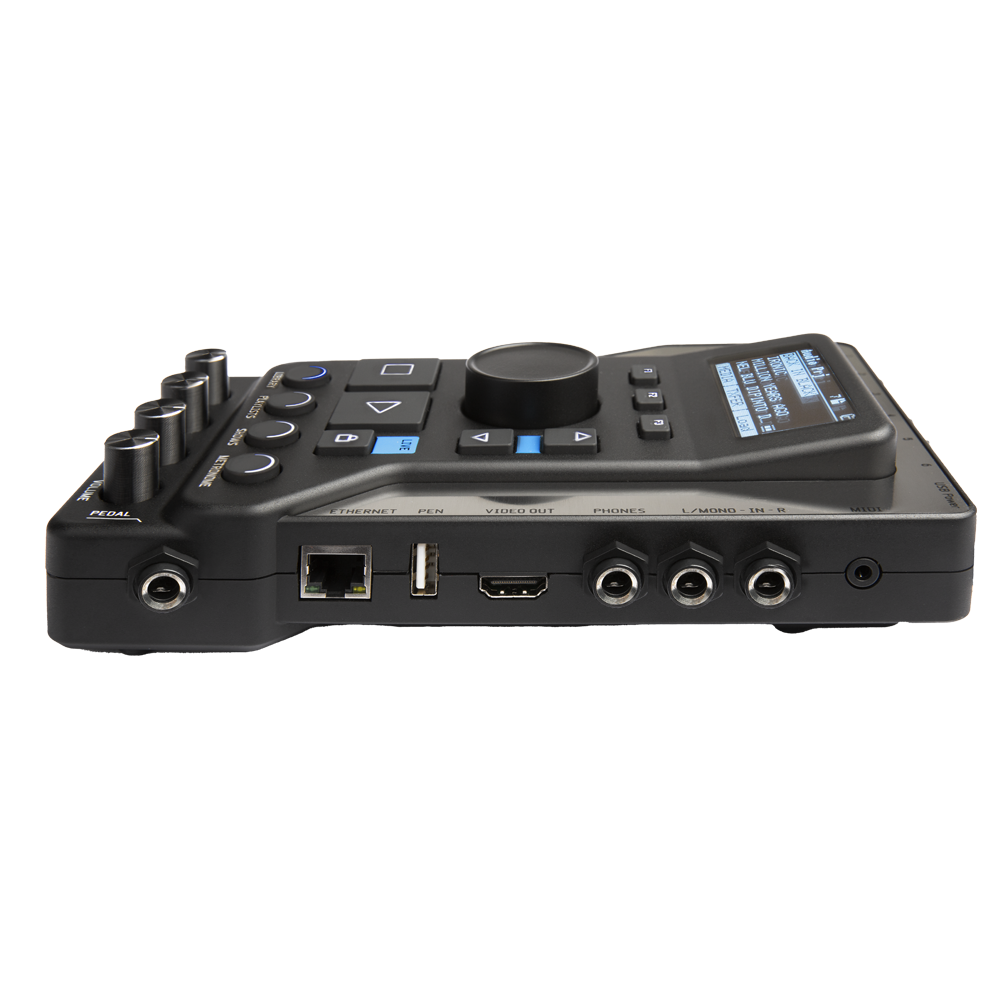
Audio output jack 6 Audio Outputs Jack 6.5 mm mono, balanced
Jack Headphone Output 1 Stereo Output Jack 6.5mm
Audio Input Jack 2 Mono Line Inputs L/R, Only-Left/Stereo
Internal memory 128 GB - 256 GB (depending on version)
Network interface RJ45 10/100/1000 Mbps Ethernet jack - Built-in wireless connection
MIDI port Mini Jack 3.5mm Cable Type-B
Pedal Switch Pedal N/O or N/C
Power supply USB-C 5.1VDC, 3A, 1700mA consumption.
Autonomy with a 10000mAh/2.4A PowerBank battery about 6 hours

SOFTWARE AND MANUALS

B.BEAT SOFTWARE

TheB.Beat software is available in two versions for two operating systems: Windows 10 and later – macOS 13 Ventura and later. Full compatibility is not guaranteed on earlier systems.

Click HERE to download B.BEAT FOR WINDOWS

Click HERE to download B.BEAT FOR MAC

USER MANUAL.

The B.BEAT user manualBEAT also available online in PDF format.

You can download it by clicking HERE and view it conveniently online. 

B.BEAT let it beat!

B.Beat Menu Buttons Tutorial

B.Beat Tutorial on Connecting and Using the Prompter

B.Beat – Version 4.0 Update

B.Beat – Version 3.0

B.Beat – Sheet Music

B.Beat – Metronome and System

B.Beat – Show Management

B.Beat – Click detection and playlists

B.Beat – Repertoire Transfer

B.Beat – Connecting to a PC

RELATED PRODUCTS

Additional information

Weight N/A
Dimensions N/A
Version

64 Gb, 128 Gb, 256 Gb + Hard Bag