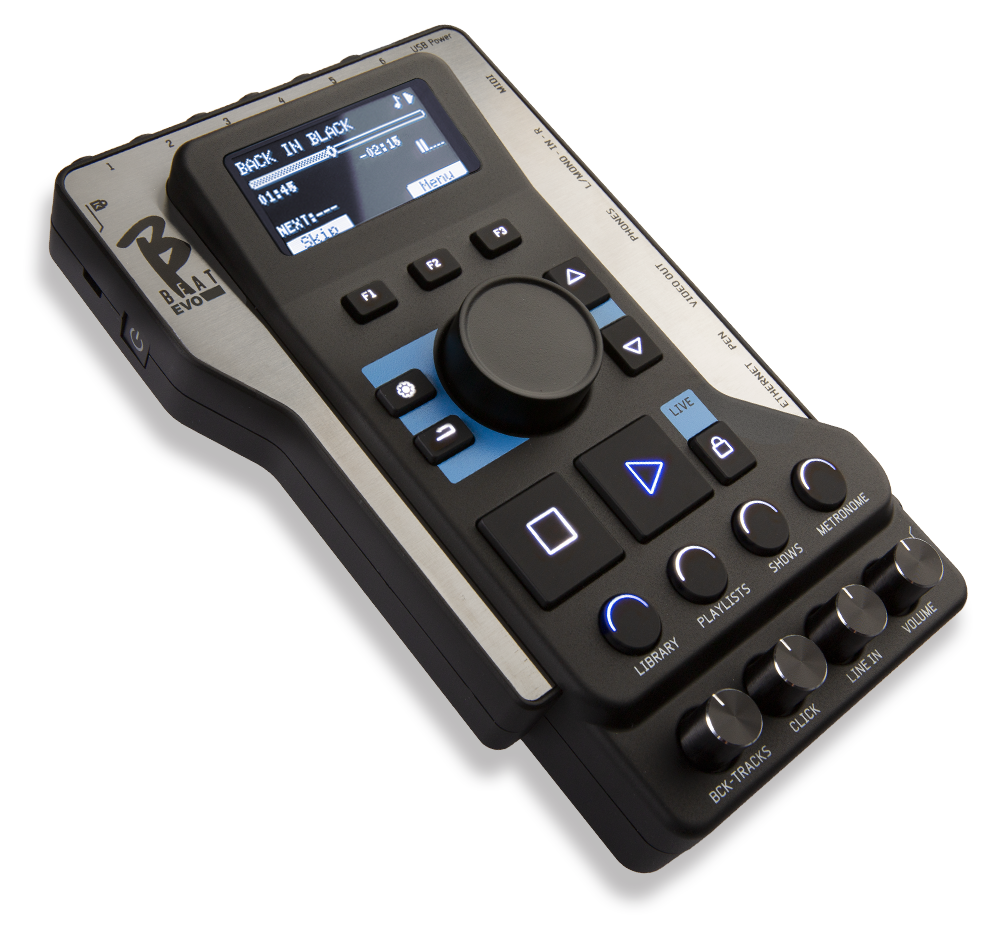
If your B.Beat start up and the message "Startup Problem" or "Boot failed" appears
SOLUTION:
Try unplugging the HDMI socket, if connected.
Verify that you are using the original USB-C power adapter included in the original B.Beat package.
If the power supply is the original one, try replacing it. Use a USB-C power supply for PC (Win or MAC) or tablet that follows one of the following specifications:
5.0VDC / 4000mA ( or 4A )
5.1VDC / 3000mA ( or 4A )
Avoid using chargers, as they often do not have sufficient power to power BBeat. A USB-C power supply will never damage B.Beat.
If B.Beat does not work, contact support usingthis form.
Note: If it does not start and you have just updated directly from version 3.0 or lower (integrated in B.Beat October 2023) to a higher version, contact support and report this issue. If you are already using version 3.5 or higher, ignore this point.
If your B.Beat start up, the logo appears on the LCD display, and the blue indicator lights on the buttons continue to spin in a circle.
SOLUTION:
Use a USB flash drive no larger than 32 GB, formatted with the FAT32 file system.
create, in the root folder of a USB flash drive, a folder named upd (lowercase)
Copy the downloaded boot_usb.scr file into the upd folder. At this point, the USB flash drive contains the upd folder with the boot_usb.scr file inside.
Insert the USB stick into the B.Beat .
Turn on the B.Beat. Wait 45 seconds for the device to start up normally, then remove the USB flash drive.
If the procedure described above works, we strongly recommend updating B.Beat the version currently available. Follow the instructions at this link
If you are unable to solve the problem, please contact support via this form