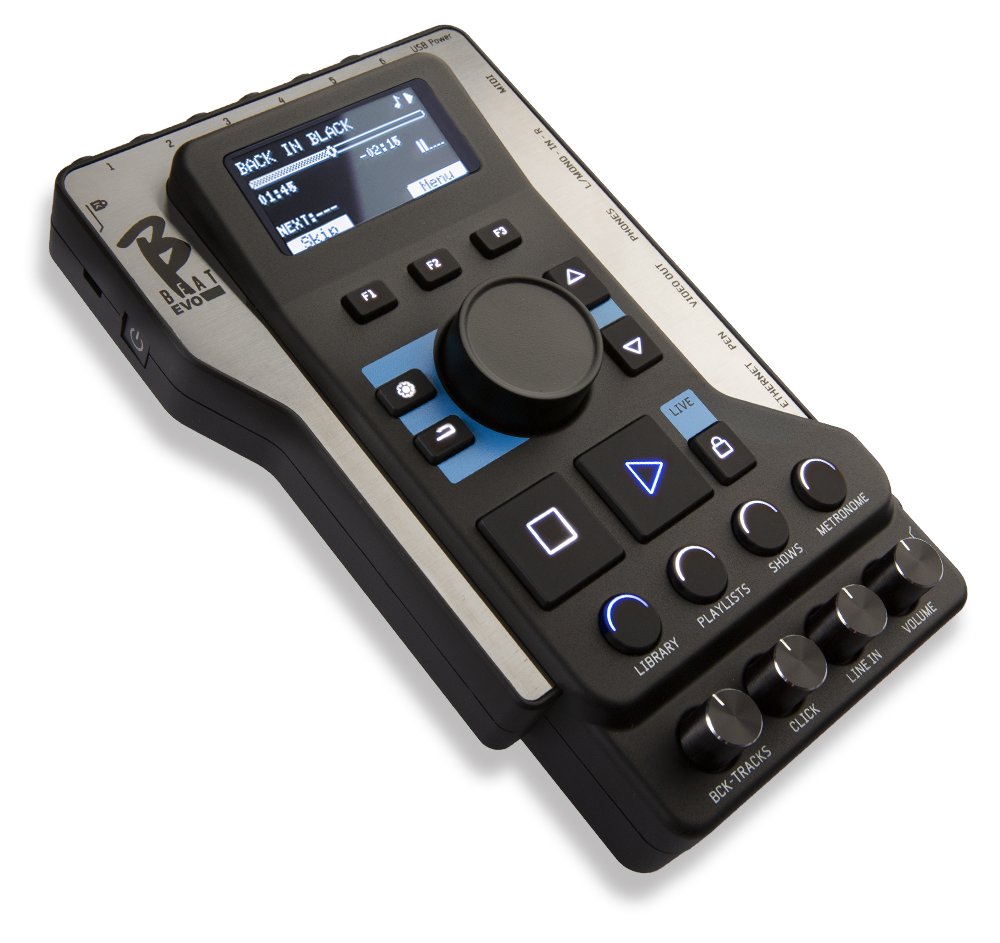
1. Automatic check for a new release Connect your B.4 to the network via an Ethernet cable or Wi-Fi, using the same method you use to connect to your computer to transfer the databases. If your PC is connected to the Internet, the system checks whether the B.4 is up to date with the latest release. If it is not, the software displays a pop-up prompting you to update the system. The B.4 update process is automatic.
It is recommended that you keep the versions of B.4 and B.Beat Manager in sync. Versions earlier than 6.0.4 are not compatible with B.4
VIA USB STICK
Note: Make sure you don't have any other files named “b4SysSw.upd” in your computer's Downloads folder.
1. Check the software version on the B.4 To check the version number currently installed on the machine, simply press theOptionsbuttonandselect INFO.
2. Download the software, version 6.0.4 – The updated version of the B.4 firmware can be downloaded as a .upd file from this link. – Once you’ve downloaded the .upd file, copy it to a USB flash drive. – Remove the USB flash drive from your PC.
3. Update the software on the B.4 – Turn on the B.4 and wait for the main screen to appear. – Insert the USB flash drive into the B.4’s USB port and wait for the update to be recognized. The message “Update found” appears on the B.4 display. Press F3. – The system analyzes the file; after about 15 seconds, you’ll be asked to confirm the update. Verify that the version matches the one listed above, and press F3 again to confirm. If not, cancel to stop the update. – The update process continues automatically, and the B.4 will restart on its own when finished. Once the restart is complete, remove the USB flash drive